How To Register Your Business To CAC Online
Registering a business with the Corporate Affairs Commission has become almost entirely a desk job. You no longer need to travel to a CAC office simply to submit a name and a few personal details, but you still need accurate information, the right supporting documents and the correct filing fee before the Commission will approve anything. CAC has also recently rolled out an AI driven version of its Company Registration Portal, so the screens you see today may look noticeably different from screenshots in an older guide.
One thing worth clarifying early is that business name registration is not the same thing as registering a limited liability company. If you are operating as an individual proprietor, a business name is almost certainly the registration type you want. CAC states clearly that individuals and proprietors can register business names without going through a lawyer, chartered accountant or chartered secretary.
What Does CAC Business Registration Actually Mean?
CAC business name registration creates an official record of your business name with the Commission. It makes it easier to operate under a recognised name, open certain business bank accounts, and produce proof of registration whenever a customer, supplier or partner asks for it.
Registration on its own does not hand your business every licence it might eventually need. Some industries answer to separate regulators, permits or professional bodies. If your business touches a regulated activity, check what additional approval is required beyond your CAC certificate.
What You Need Before Starting
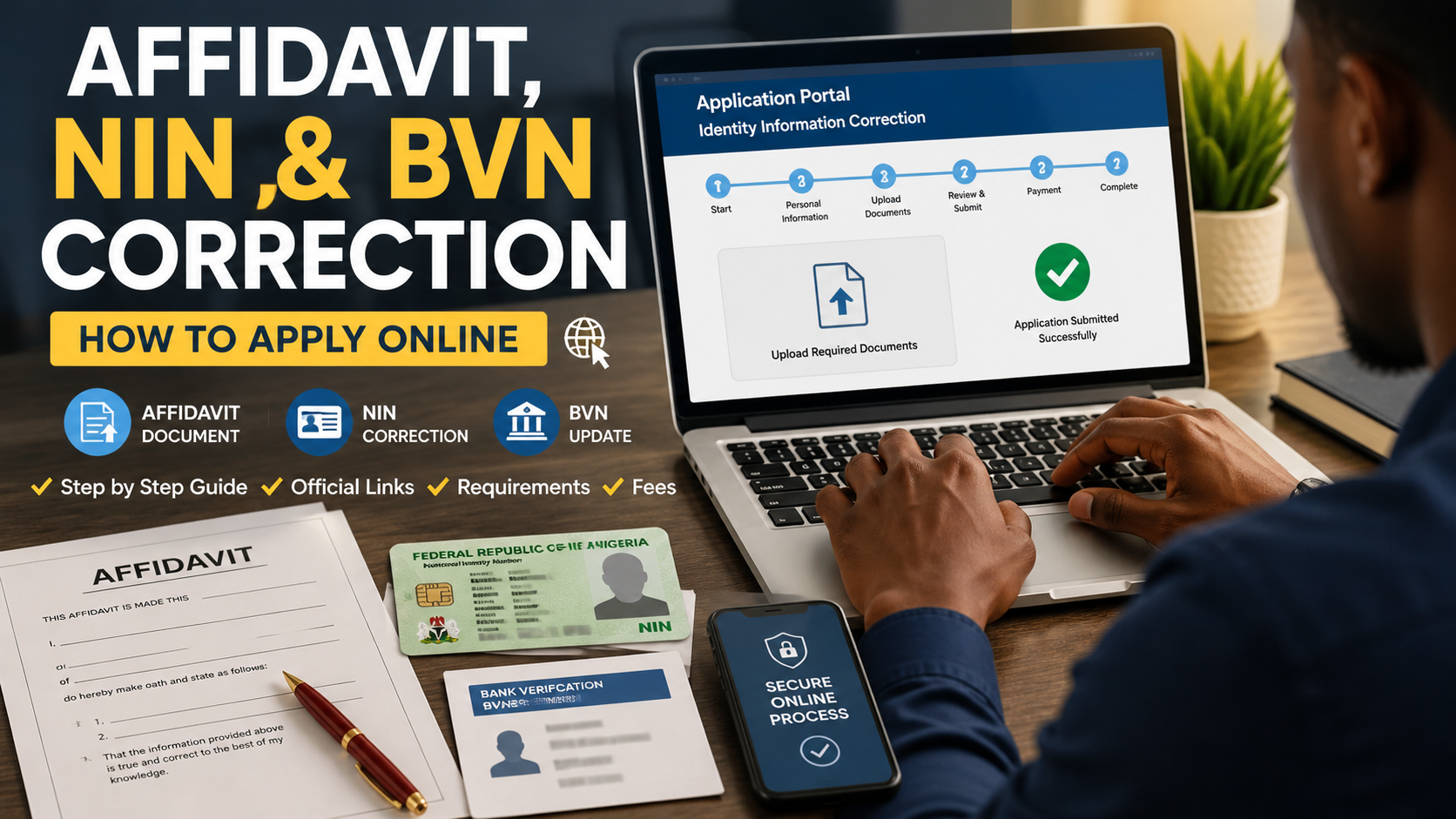
Have your information ready before you open the application. You will generally need a proposed business name, your personal details, contact information, your business address, and a short description of what the business does. Recent guidance also notes that registration can now begin using the National Identification Number of the proprietor or a director, so have your NIN close at hand. If your identity details are inconsistent across your documents, sort that out first using the process in our guide on getting an affidavit for NIN, BVN or date of birth correction, since CAC checks your registration information against your NIN.
Use your real details and check spelling carefully before submitting anything. A mistake in your name, address or business description can create an unnecessary correction later. Keep a valid means of identification ready in digital form, whether that is your NIN slip, international passport or driver's licence.
Step By Step: Registering Your Business Name With CAC
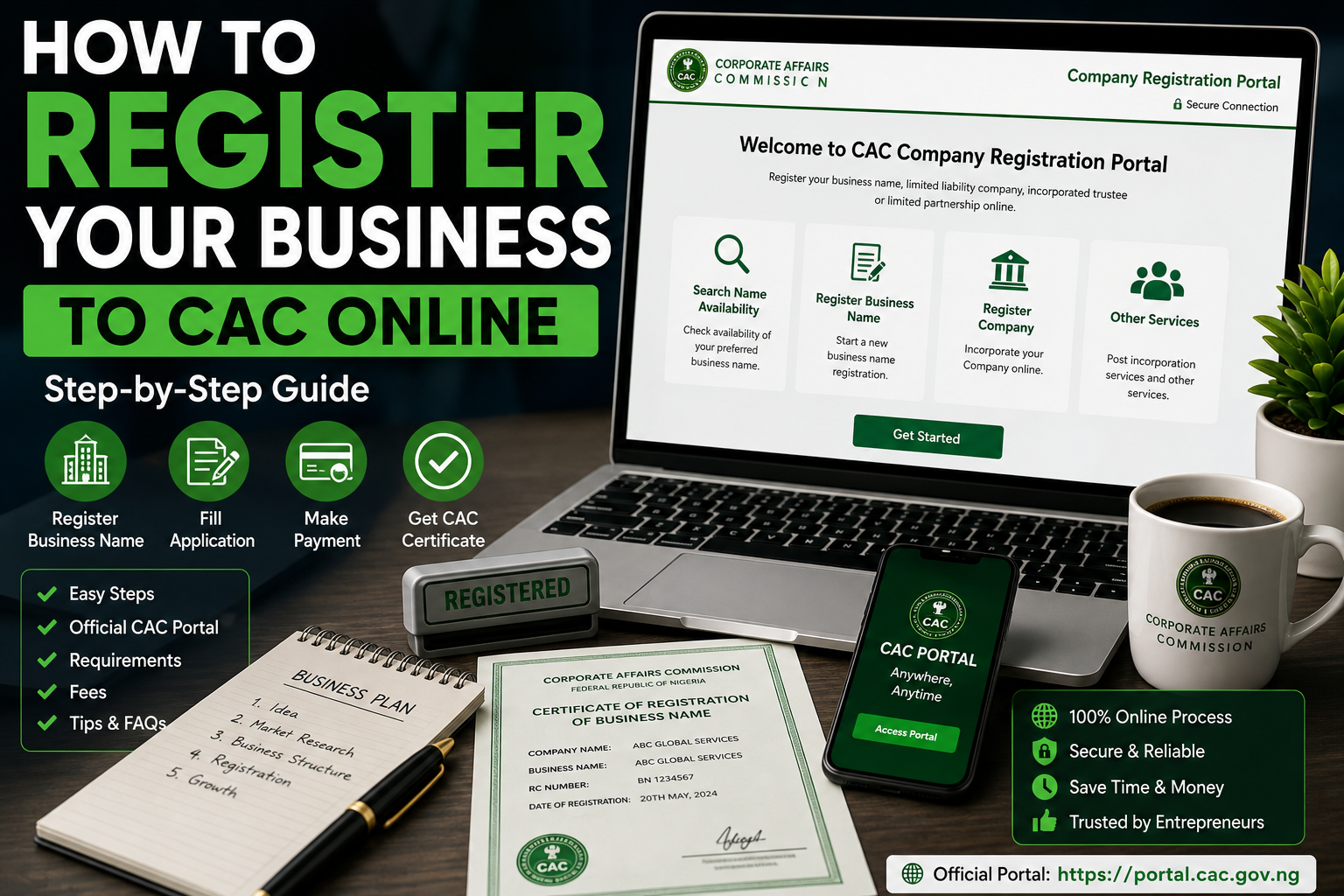
1. Create an Account on the Official CAC Portal
Start at CAC's own Company Registration Portal, which currently sits at pre.cac.gov.ng, and identifies itself explicitly as the Official Company Registration Portal of the Corporate Affairs Commission. Click Create Account, fill in your personal details, provide your NIN, and set up a secure password. Confirm your email through the activation link CAC sends you, since your dashboard and eventual certificate will both depend on this account.
2. Choose a Suitable Business Name
Pick a name that describes your business without misleading customers about what it actually does. Steer clear of names that closely resemble an existing registered business or that use restricted words without prior approval. Prepare more than one option before you begin, since your first choice may already be taken.
3. Search for Name Availability
CAC provides a public name search directly on the portal, and it is worth using before you spend anything. CAC's own guidance on business name registration steps, published at cac.gov.ng, lists checking availability as the very first formal step, followed by reserving the name. A name search is not the same as final registration, so treat it purely as a screening step.
4. Reserve the Business Name
Once you find an available name, move on to formal reservation through the portal. Enter every field carefully and review it before submitting, since the name you eventually receive on your certificate should match exactly what you plan to use publicly.
5. Complete the CAC BNo1 Registration Form
CAC's business name process uses the CAC BNo1 form directly on the Company Registration Portal. Fill in the required fields, including proprietor information, your business address and a description of the business. If the portal asks for an identification document, upload a clear file that meets the stated requirements rather than a dark or cropped photograph.
6. Review the Full Application Before Submitting
Read every field from top to bottom before making payment. Check your full name, business name, email address, phone number, business address and business description. Pay particular attention to your email, since your registration documents and important notifications are delivered electronically.
7. Pay the Required CAC Filing Fee
CAC publishes its current fees directly on its website, so check the amount shown on the portal at the time you apply rather than relying on an old figure from social media or an agent's message. Fees can change, and additional charges may apply depending on your payment channel. Keep your payment evidence regardless of which method you use.
8. Wait for CAC to Process Your Application
Once you submit and pay, your application enters CAC's review process. If CAC asks for a correction or clarification, respond through the official portal rather than starting a fresh application out of impatience. Check your application status before assuming something has gone wrong.
9. Download Your Electronic Certificate
CAC now runs an entirely electronic certificate system. Once your registration is approved, the certificate is generated automatically on your dashboard and can be downloaded whenever you are ready, according to CAC's own e certificate information. This is a significant change from the older process, where applicants commonly expected to collect a paper certificate in person. Save your electronic certificate somewhere secure and keep a backup copy.
Can You Register a Business Name Without an Agent?
Yes. CAC states directly that individual proprietors can register business names without a lawyer, chartered accountant or chartered secretary. That does not mean professional help is never useful. If your ownership structure is complicated or you genuinely cannot tell whether you need a business name or a company, professional advice can save you from choosing the wrong path. For a straightforward business name application, though, the official portal walks you through everything yourself.
Business Name or Limited Company, Which One Do You Need?
A business name usually suits an individual proprietor or a small owner run business. A company is an entirely different legal structure with its own registration requirements. The right choice depends on how you plan to operate, ownership arrangements, liability considerations and the nature of what you are doing.
If you are simply starting a small personal business and want your trading name on record, the CAC business name process is your starting point. If you need a formal company structure instead, use CAC's separate company registration route.
Common Mistakes to Avoid During CAC Registration
Using an unofficial website because it looks similar to a government portal is one of the costliest mistakes applicants make. Always start from CAC's own domain and follow its links to the registration system. Another common mistake is handing an agent your account password or one time verification code. Protect your CAC login the same way you would protect online banking credentials.
Also think about how customers will actually find and remember your business name once CAC accepts it. A name that is difficult to spell or easily confused with another business can create practical problems long after registration is complete.
Frequently Asked Questions
Can I register my business with CAC from home?
Yes. CAC's current business name process runs end to end through its Company Registration Portal at pre.cac.gov.ng. You submit the application and receive your electronic certificate through the same system, subject to your application meeting the stated requirements.
Do I need a lawyer to register a business name?
No. CAC states directly that individuals and proprietors can register business names without a legal practitioner, chartered accountant or chartered secretary.
How do I receive my CAC certificate?
CAC's electronic certificate system generates the certificate automatically on your dashboard once the registration is approved, and you download it from there.
Can CAC reject my proposed business name?
Yes. Name availability and registration follow CAC rules. A proposed name may be denied if it conflicts with an existing registration or falls into a restricted category.
Is CAC registration the only approval my business may need?
No. Some businesses require permits, licences or registration with other regulators. CAC registration creates your business registration record, but it does not replace industry specific approvals.
Where to Start Your Registration
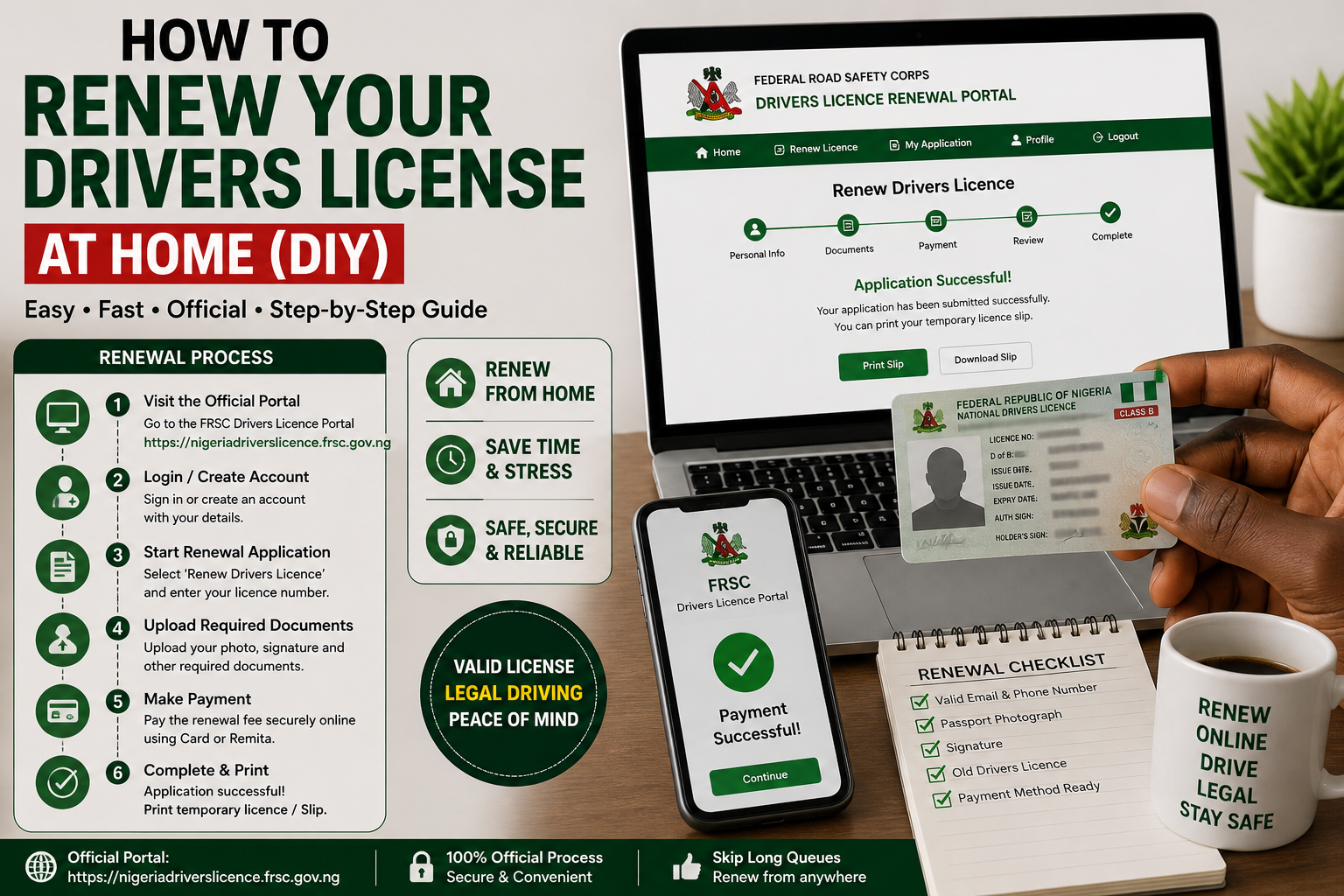
Use CAC's own website and follow its business name registration link through to the Company Registration Portal at pre.cac.gov.ng. Do not pay an agent simply because you assume the process has to be completed in person. Prepare your information first, check your proposed name carefully, review every field before submission, and keep your payment and registration records. Once CAC approves the application, download and securely store your electronic certificate. If your business will involve staff who drive for deliveries or logistics, it is also worth reading our guide on renewing a driver's licence in Nigeria so their paperwork stays current alongside your own.
Official references: CAC Company Registration Portal, CAC Business Name Registration Steps.

Comments (0)
No comments yet. Be the first to share your thoughts.